
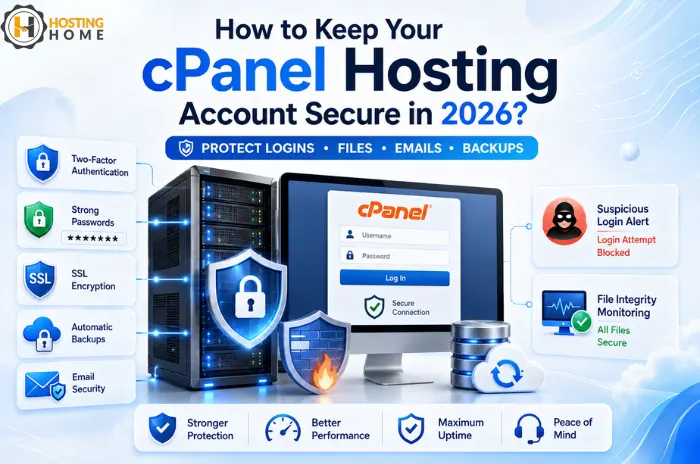
How to Keep Your cPanel Hosting Account Secure in 2026?
With a cPanel account, managing your website becomes very simple. You can manage domains, files, databases, email accounts, SSL, backups, and many other settings from one dashboard.
But convenience also means that you need to secure your account properly. If someone gets your cPanel login details, they could: change the website files, add email accounts, access the databases, or upload files which could harm your website.
Whether you use cPanel hosting for a small blog or for your business website, a few simple security habits can reduce these risks.
Start with the cPanel Login.
Your cPanel password: the first line of protection.
Avoid using a password that includes your company name, your website name, a phone number, or any other common words. Create a complex, lengthy, and unique password that you don’t use anywhere else.
If your hosting provider offers two-factor authentication, enable it. This adds an extra step of verification that will prevent someone from accessing your account even if they find out your password.
It is particularly important if you manage multiple sites from a single cPanel web hosting account.
Keep Your Website Software Updated
cPanel security alone cannot protect an outdated website or application.
WordPress, Plugins, Themes, PHP applications and any other software you are using should be kept updated.
For instance, an old plugin you may use may contain a security weakness. An attacker could use that weakness even though your cPanel account itself is secure.
Keep a recent backup available before applying any major upgrades.
Use SSL Everywhere
Use HTTPS for your website and not plain HTTP.
SSL secures data exchanged between visitors and your website. This is especially important for login forms, contact forms, and online payments.
Hosting Home offers free SSL certificates with its hosting plans, allowing the website owner to turn on HTTPS without purchasing a separate certificate.
Be Careful with File Permissions
File Manager is one of the most useful parts of cPanel, but changing permissions without understanding them can lead to security issues.
Avoid giving files or folders unnecessary write access.
If your website suddenly starts showing strange content or unexpected files have been uploaded to your site, then check:
- Recently modified files
- Unknown PHP files
- Suspicious administrator accounts
- Unusual folders
Don’t simply delete random files. Some may belong to your website or hosting system.
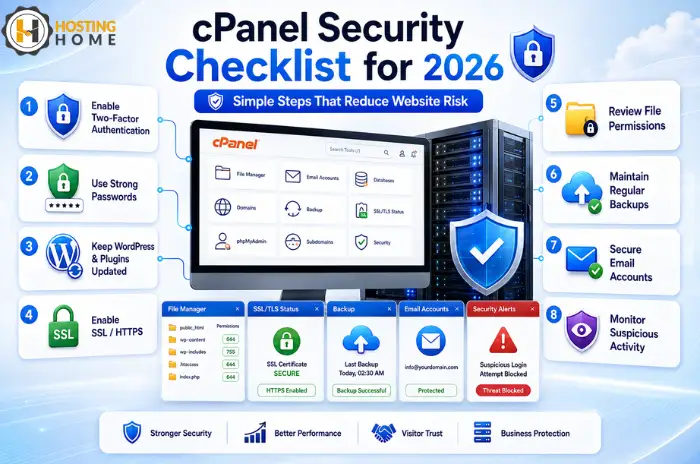
Make Backups Before You Need Them
A backup is most valuable when something goes wrong.
Imagine updating a plugin and suddenly finding that your site no longer loads. If you have a recent backup of your site, recovery is much easier.
Hosting Home offers weekly/monthly backup options among its hosting features.
For critical business sites, also consider keeping an additional backup outside of your hosting account.
This ensures that a problem affecting your hosting account does not remove both the website and its backup.
Protect Your Email Accounts Too
Website owners often focus on cPanel and forget email security.
A compromised email account can be used to reset passwords or send spam from your domain.
Use strong passwords for email accounts and delete old unused accounts that are no longer required.
If an employee leaves your company, restrict their hosting and email access promptly.
Watch for Unusual Activity
You don’t need to check your account every hour; however, any suspicious activity should not be ignored.
Look out for:
- Unexpected files
- New email accounts
- Unknown databases
- Unfamiliar DNS changes
- Sudden traffic increases
- Spam complaints
Finding these signs early can prevent a small security problem from becoming a major issue.
A Simple Real-World Example
Consider a small online store using cPanel hosting in India.
The owner notices that several new files have been created in the website directory. For now, the website still works normally.
Instead of simply ignoring the problem, the admin checks the files, restores a clean backup, updates the outdated plugin that caused the problem, changes the cPanel password and reviews account access.
The website is back online without a long downtime.
The lesson is simple: Security is not one setting. It is a combination of good habits, updates, backups and monitoring.
Mistakes Worth Avoiding
Simple oversights cause some security problems:
- Sharing cPanel passwords with multiple users
- Using the same password everywhere
- Leaving unused applications installed
- Ignoring security warnings
- Keeping old website backups indefinitely
- Giving every user more access than they need
Share the responsibilities of website maintenance with other people and allow only those people who really need the access.
Choosing a Secure Hosting Environment
When you are comparing the web hosting plans, don’t just look at the monthly price.
Check whether the provider offers SSL, backups, firewall protection, migration support and help, and technical support.
This matters whether you are searching for cheap web hosting, business hosting or a larger solution for multiple websites.
For customers comparing cPanel hosting India options, security features should be considered in addition to storage, performance and customer support.
Conclusion:
Protecting your cPanel account doesn’t require advanced server knowledge. Strong passwords, regular updates, SSL, backups, careful file management, and basic monitoring can avoid many common issues.
The goal is not to make your website “impossible” to attack. It is to reduce unnecessary risks and make recovery easier when something unexpected happens.
cPanel Hosting at Hosting Home
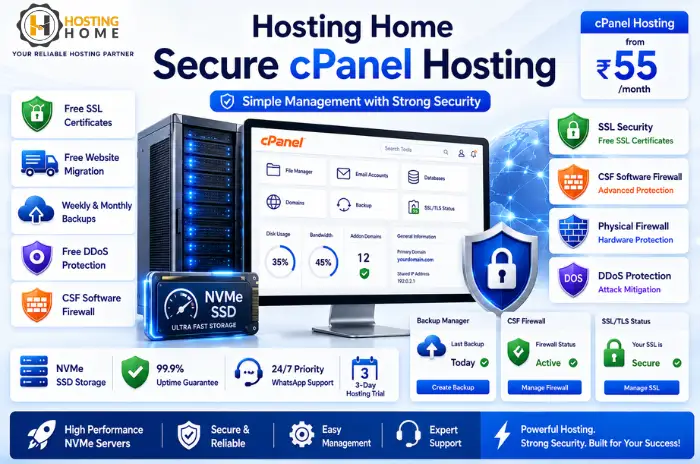
Hosting Home provides hosting with cPanel starting at 55/month, with features designed for beginners, small businesses and growing websites.
Depending on the plan, Hosting Home provides:
- cPanel control panel
- Free SSL certificates
- Free website migration
- Weekly/monthly backups
- Free DDoS protection
- CSF software firewall
- Physical firewall protection
- NVMe SSD storage
- 99.9% uptime guarantee
- 24/7 high-priority WhatsApp support
Hosting Home also offers a three-day hosting trial, allowing users to test the service before deciding.
For anyone looking to buy cPanel hosting, choosing a provider that combines simple management with security and responsive support can make website ownership much easier.
